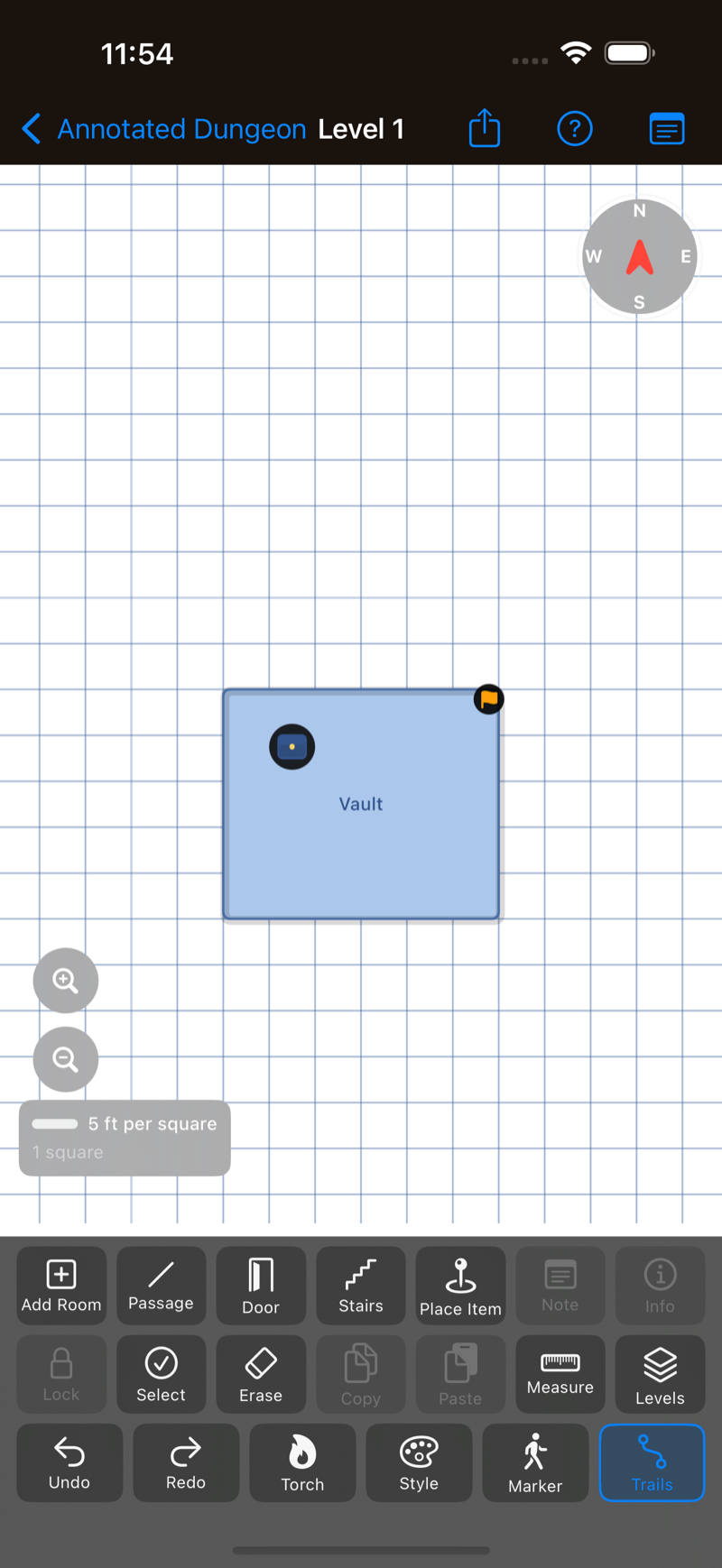
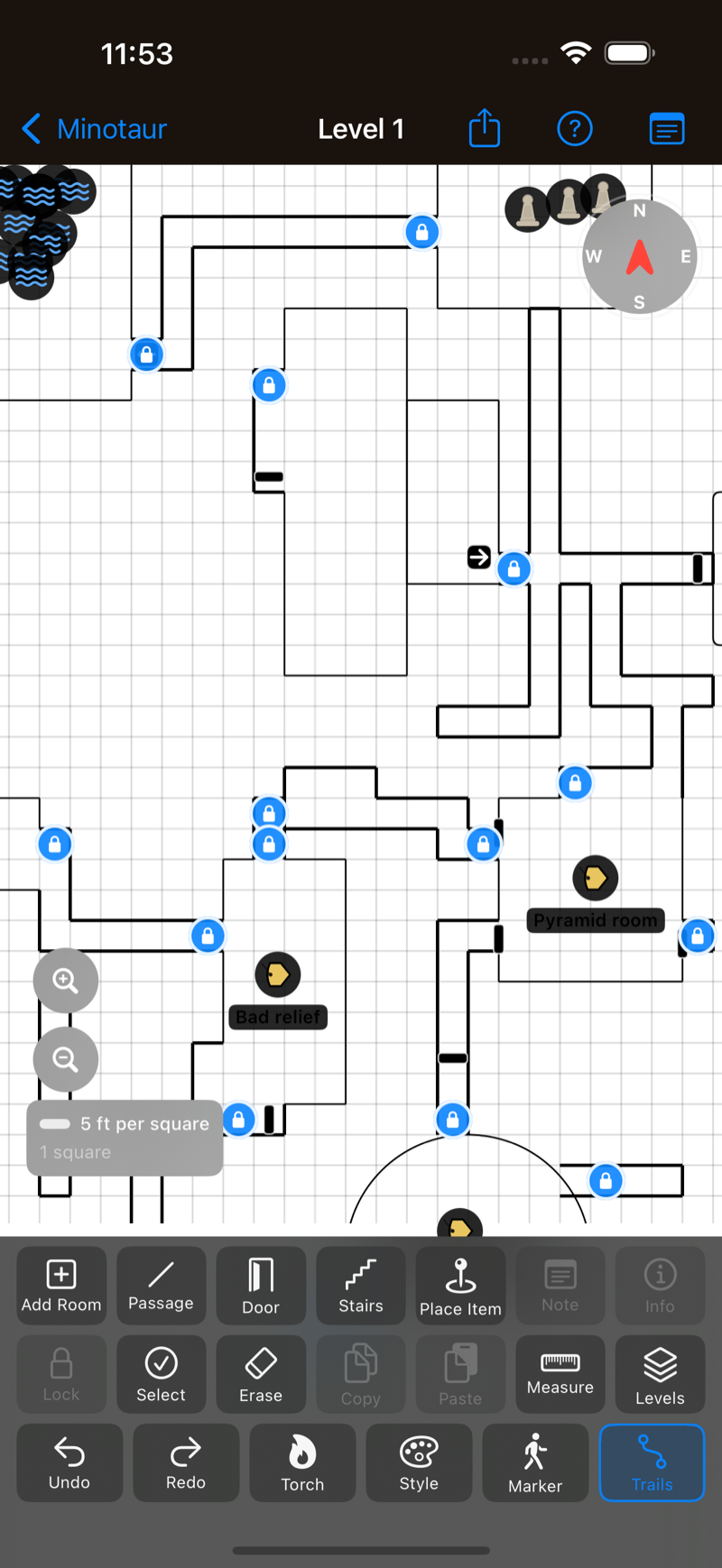
Everything is designed to be usable at the table, one-handed, while somebody is
describing a corridor to you.
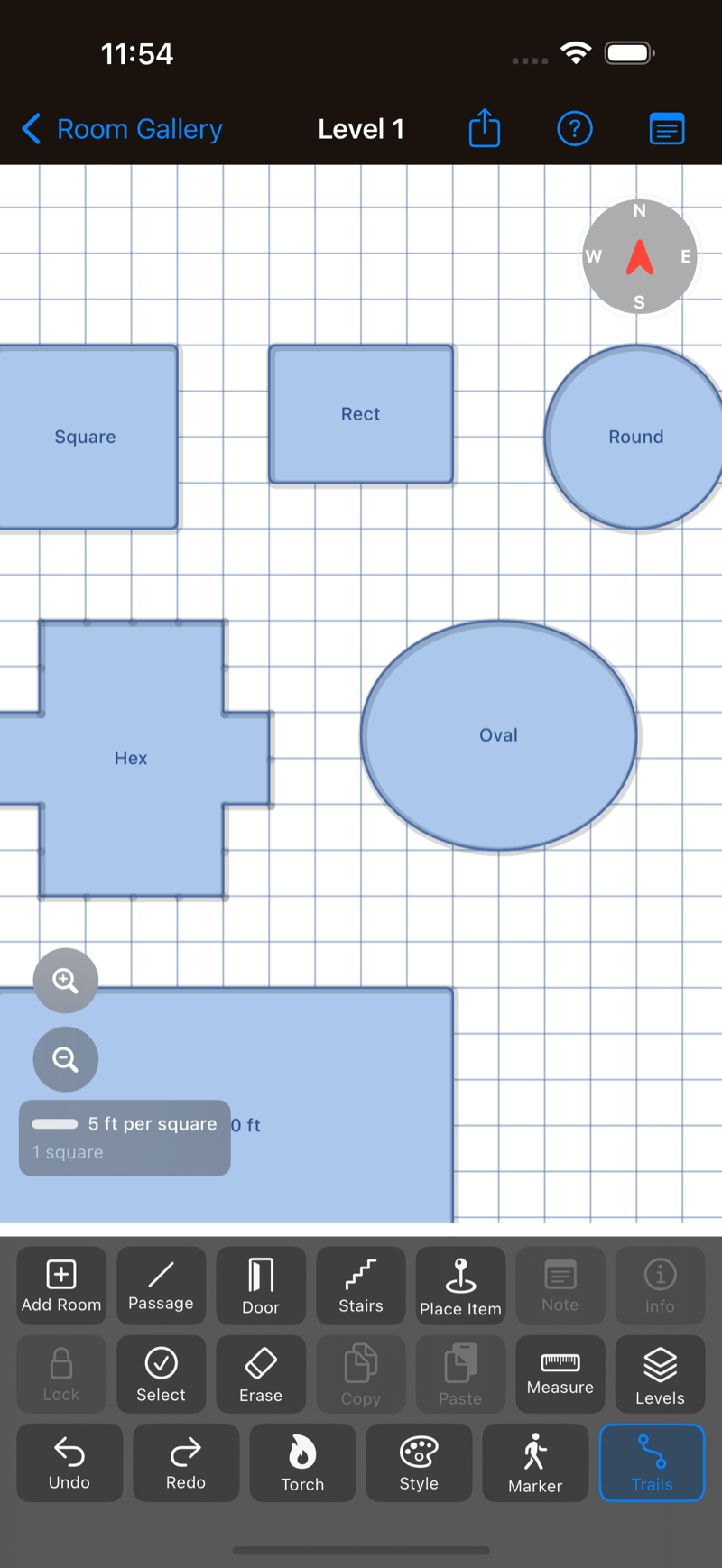
Rooms on a 5 ft grid
Five shapes, typed dimensions in feet or quick size presets. New rooms auto-place
against the last thing you drew, so you keep mapping instead of measuring.
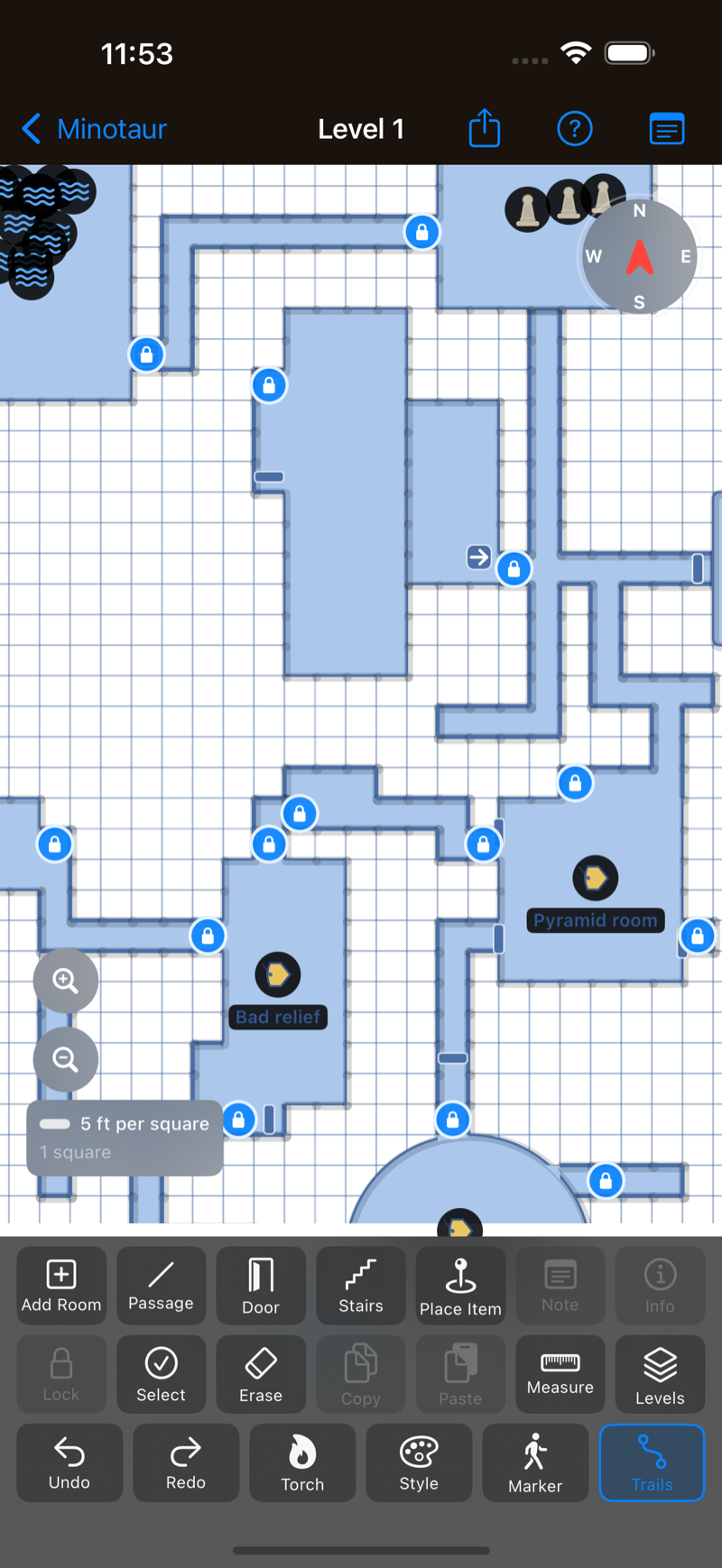
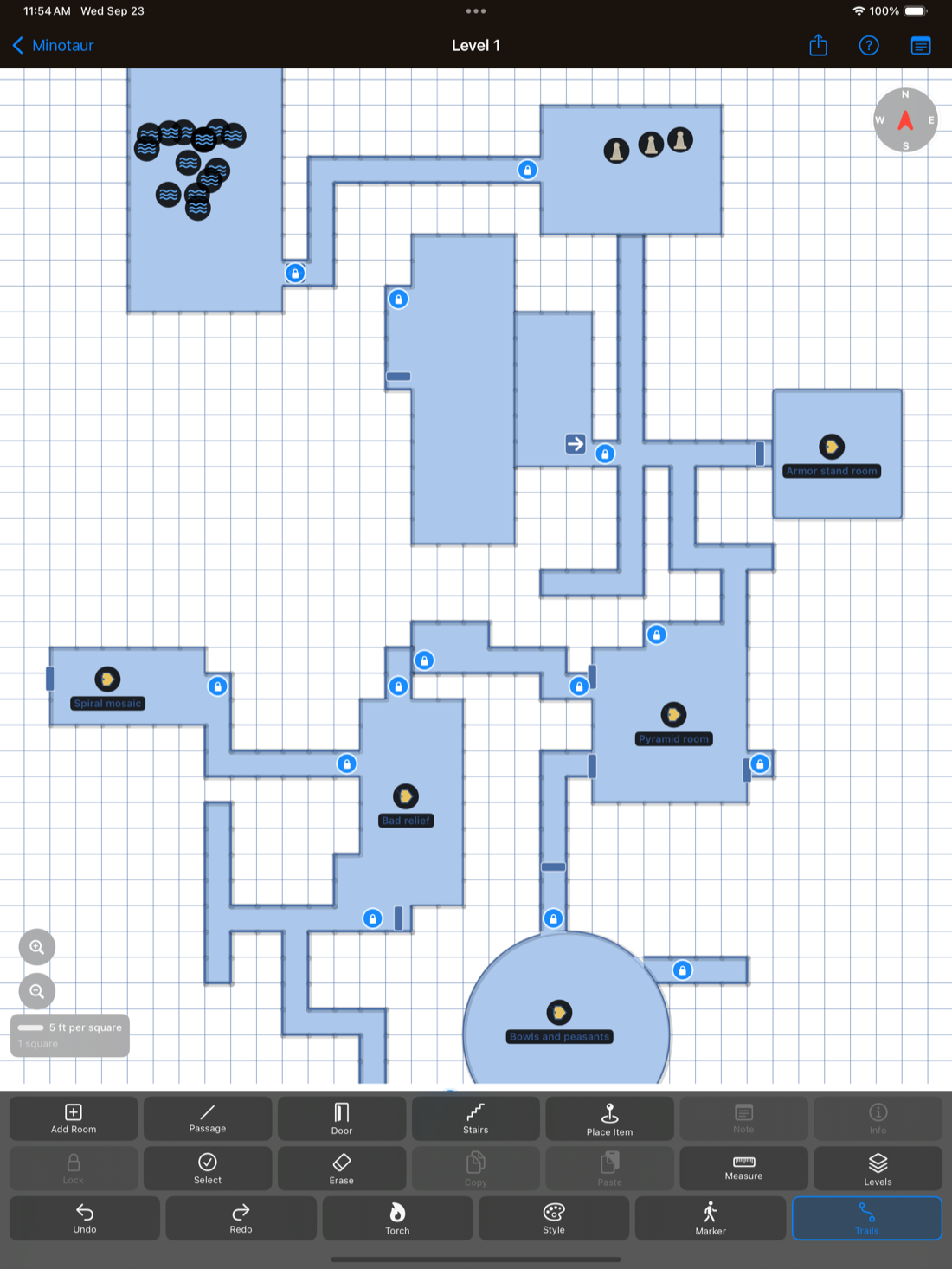
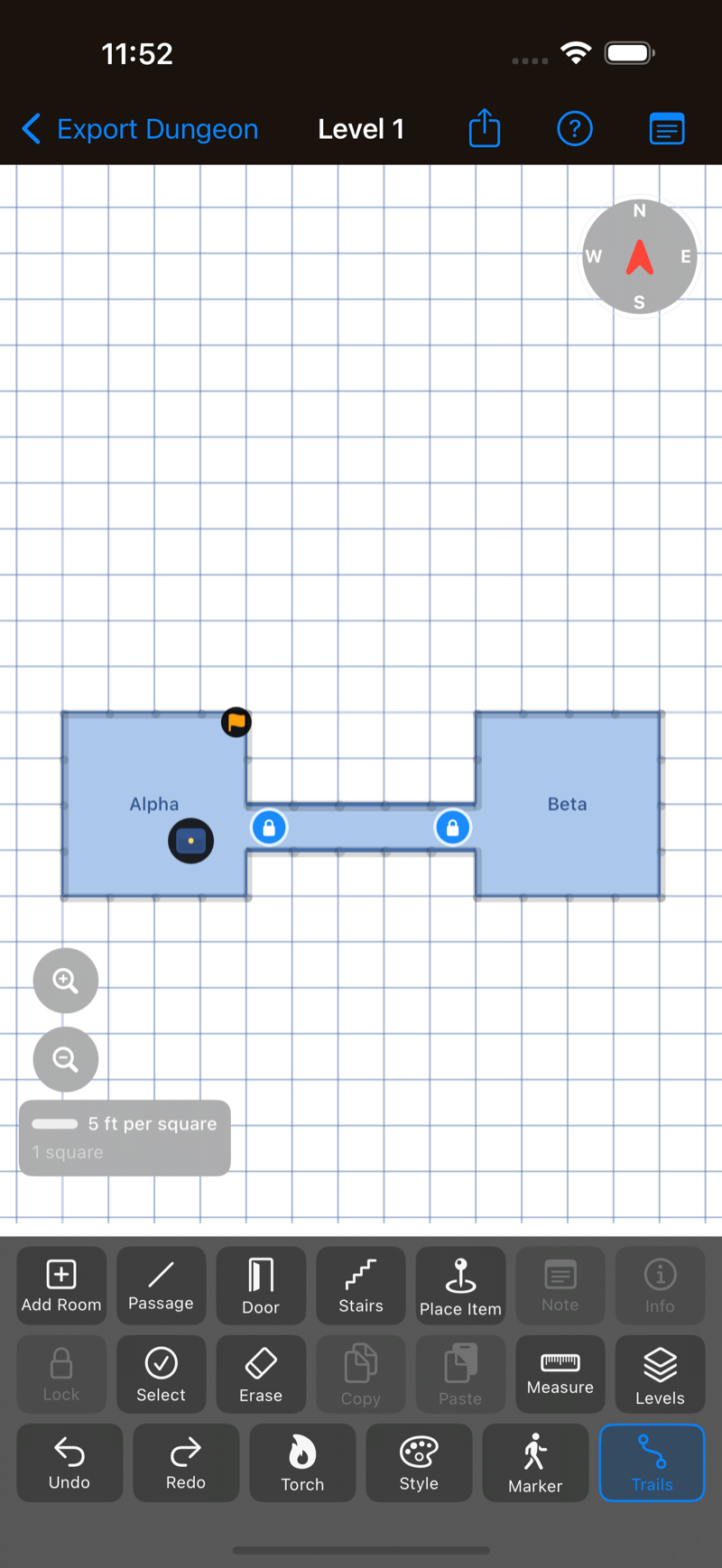
Paint corridors
Drag a finger across the grid to fill corridor cells. Corridors rubber-band
automatically when you move or resize the rooms they connect, and they lock like
rooms do so a drag on a finished map pans instead of pulling one loose.
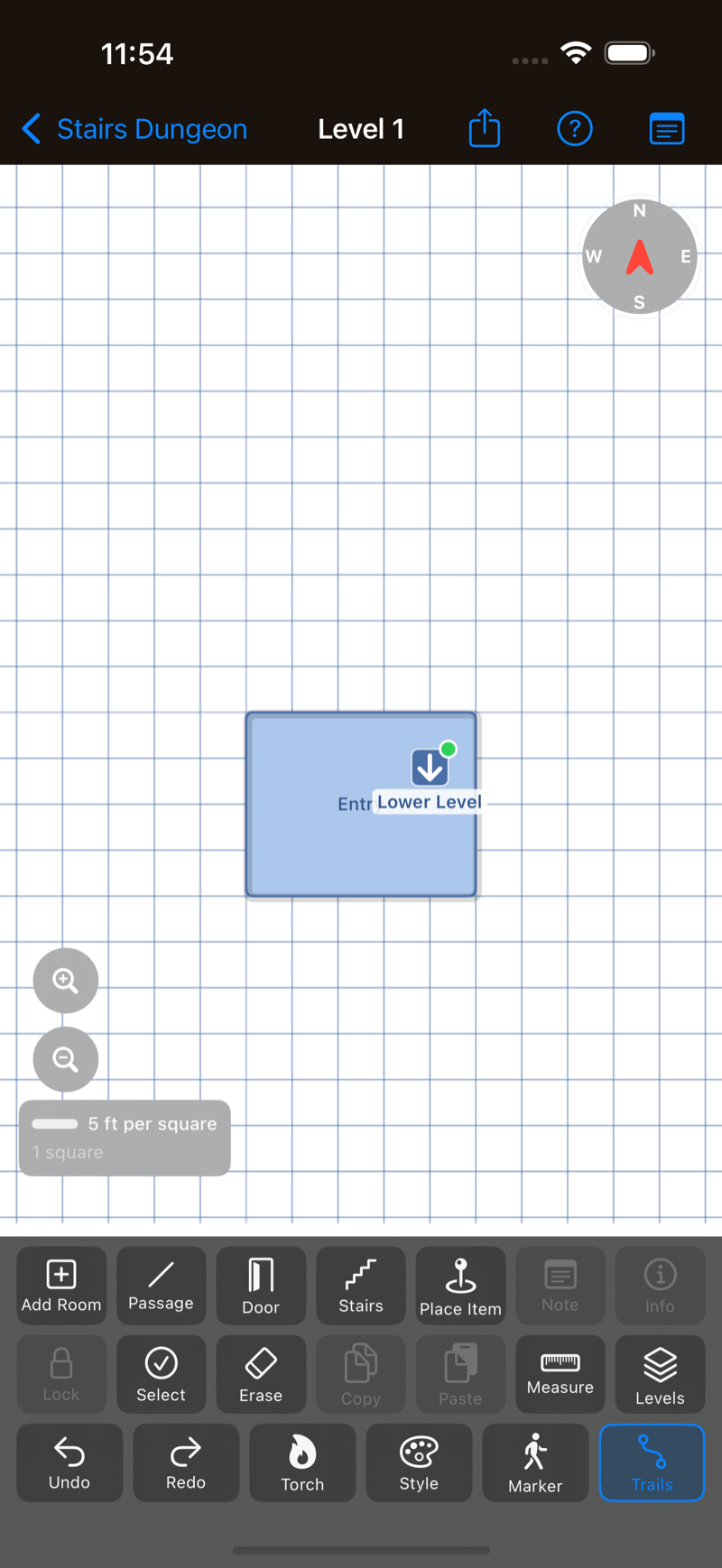
Doors, stairs, and secrets
Normal, locked, and secret doors on room edges or along a corridor. Stairs link
floors together so a multi-level dungeon stays one map.
Thirty-eight item markers
Treasure, altars, fire pits, traps, hazards, bodies, statues, and more —
plus custom labels for anything the built-in icons don't cover.
Notes and search
Attach notes to any room, corridor, or item marker, and full-text search across
every label and note on the map, plus your adventure log, when you need to
remember where you saw that lever.
Adventure log
Keep a running session log alongside the map, with entries that link back to the
room they came from.
Party markers and trails
Drop a pin for the party on any cell, and a second one when the group splits.
Drag a marker as you move and it leaves a breadcrumb trail along the corridors it
walked through, not a straight line through the walls.
Select, copy, and erase
Select several elements by tapping them or by dragging a box around them, then
move, copy, paste, or delete the whole set in one undoable step. Erase mode
removes a whole element, or a single painted cell if that is all you got wrong.
Measure and rotate
A measure tool for distances on the grid, and a two-finger twist to turn the map
when the party comes at a corridor from the other end. Tap the compass to swing
back to north.
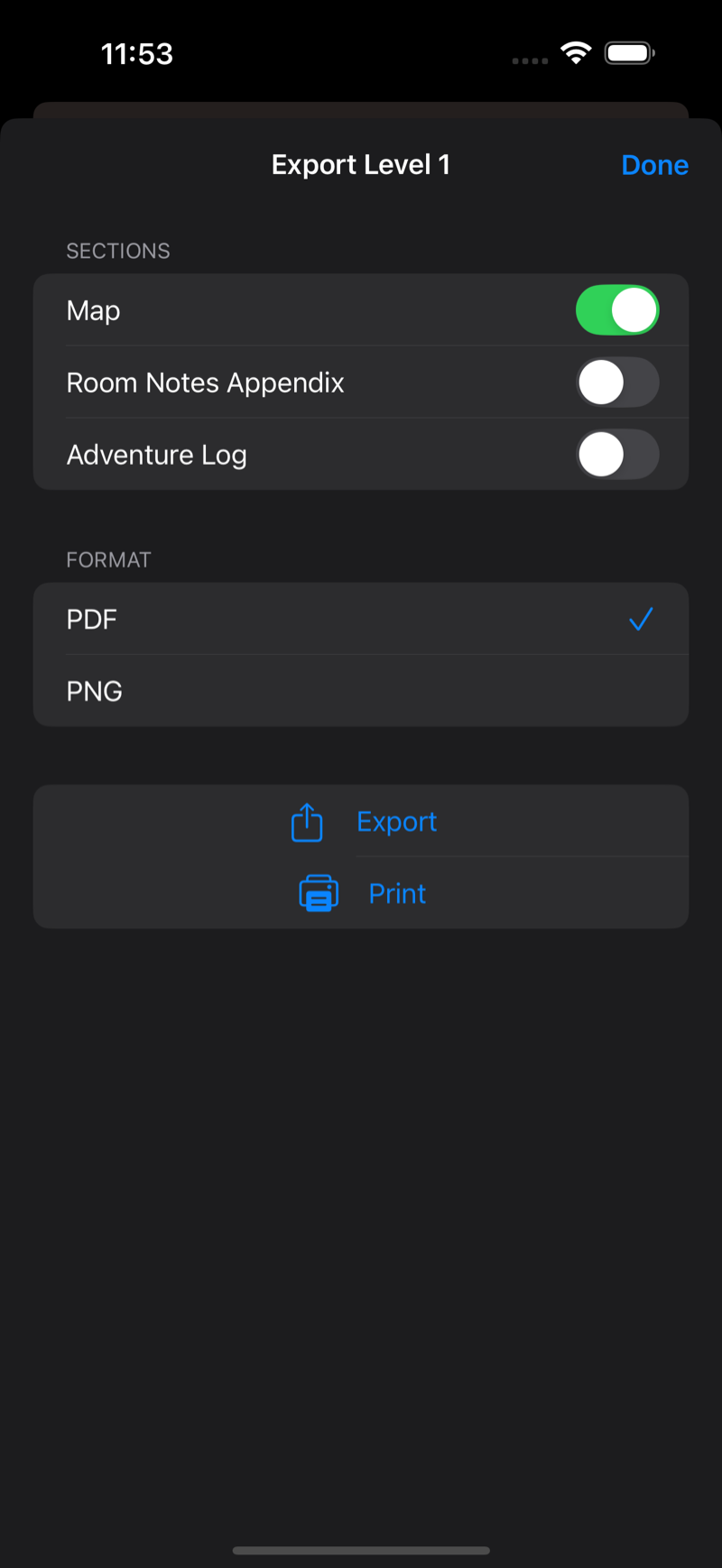
Export to PDF or PNG
Export the map, room notes, and adventure log. AirPrint straight from the app if
you still want a paper copy.
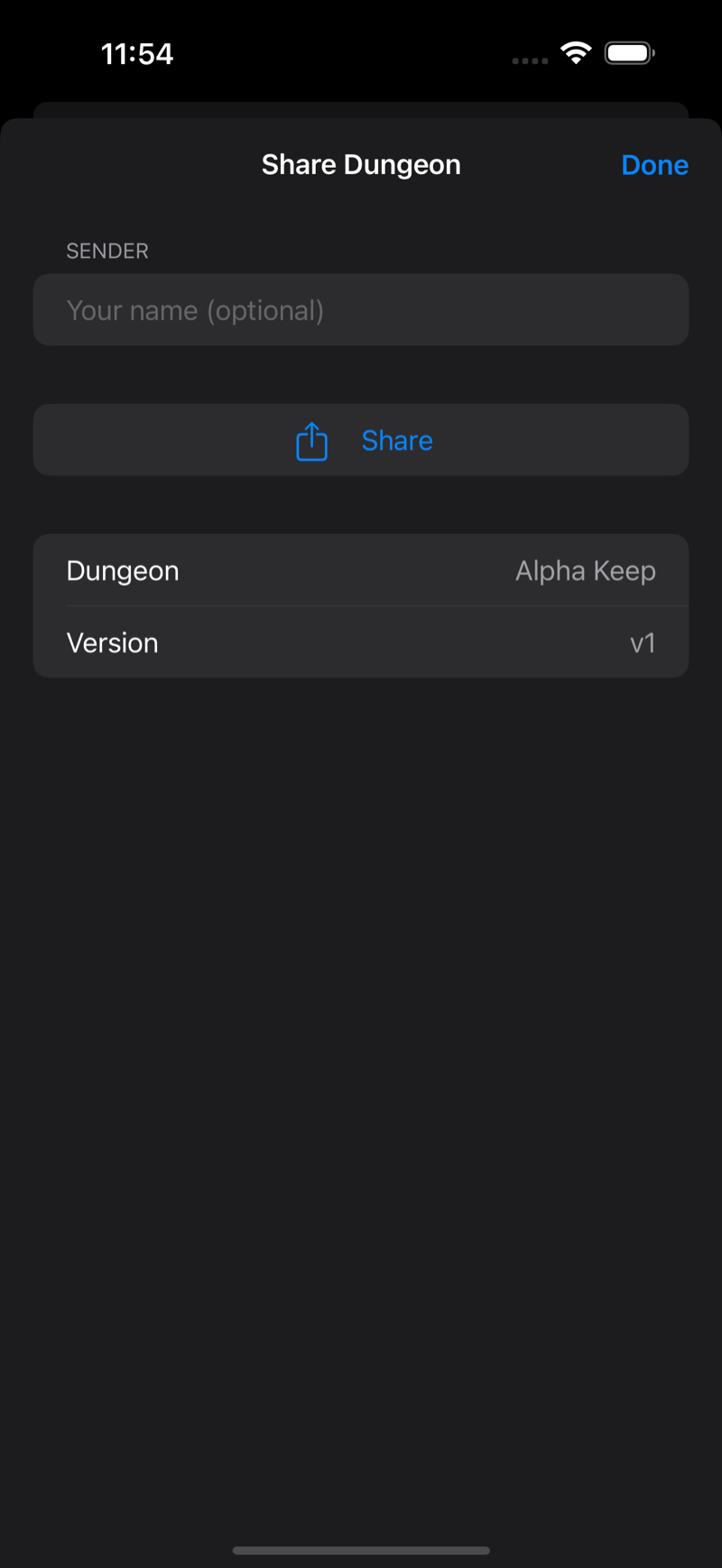
Share the whole dungeon
Send a .torchlight file over Messages, AirDrop, Mail, or Files. If a
friend already has that dungeon, the app shows a visual diff before you choose
whether to overwrite their current map or import a separate copy.
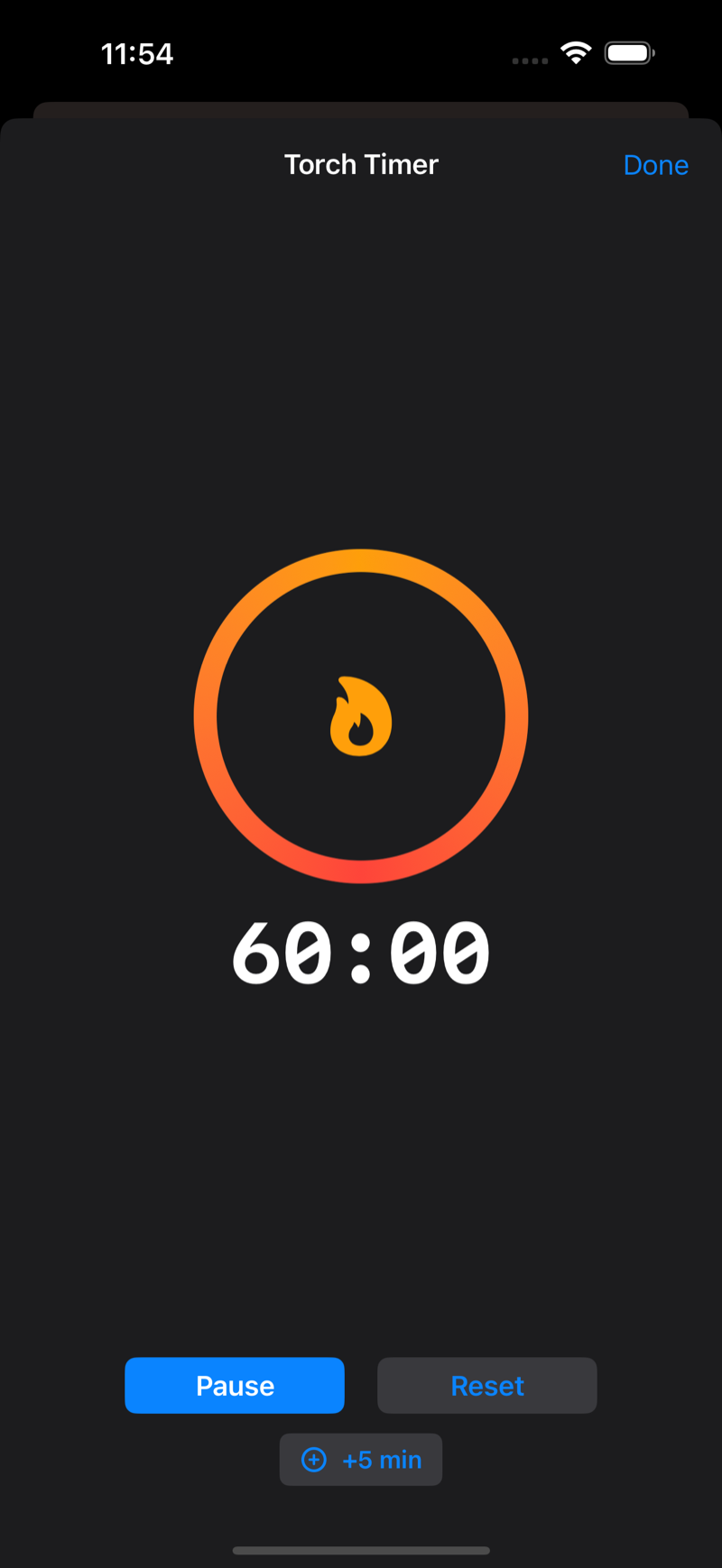
Torch timer
A real countdown for the party's light source, from 1 to 180 minutes, with a
notification when it burns out and a +5 min button when someone finds a torch.
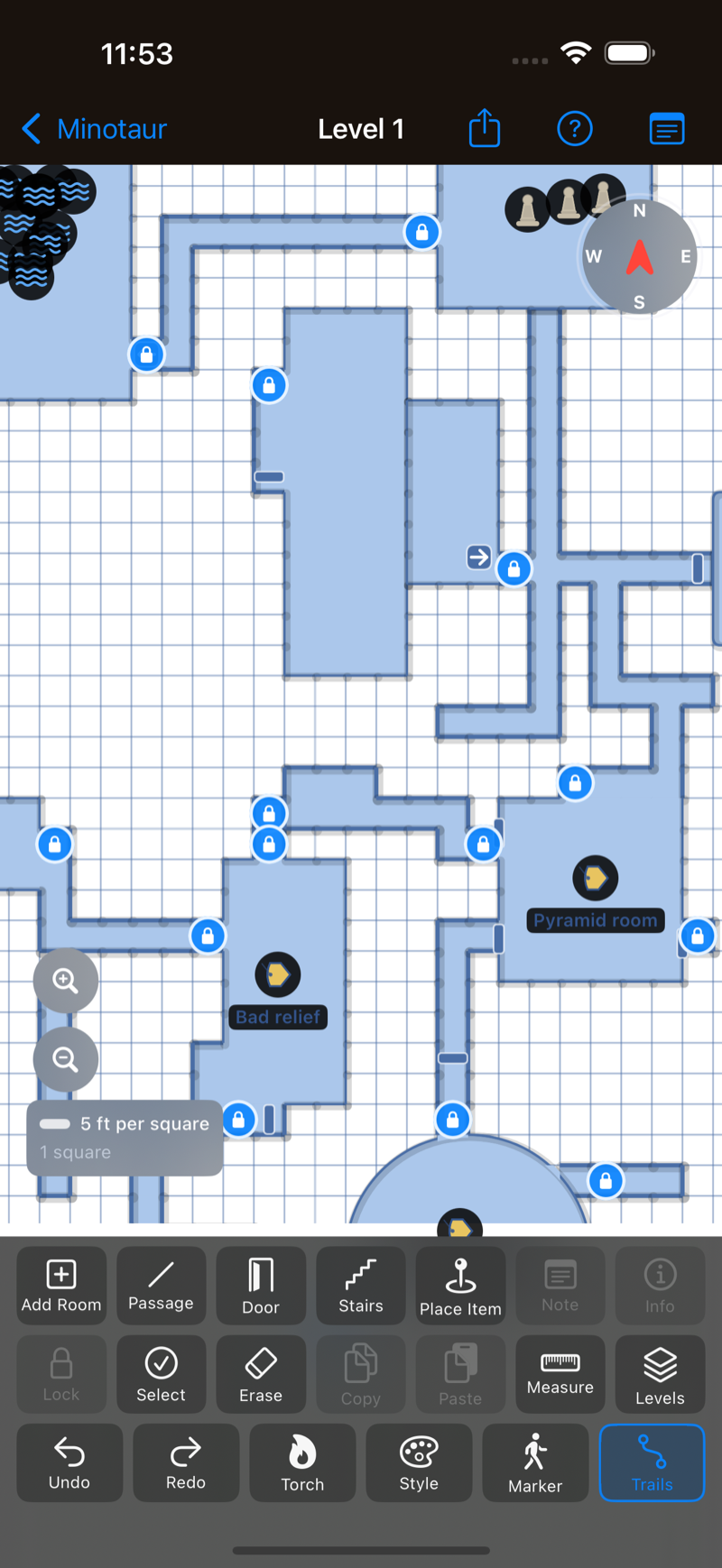
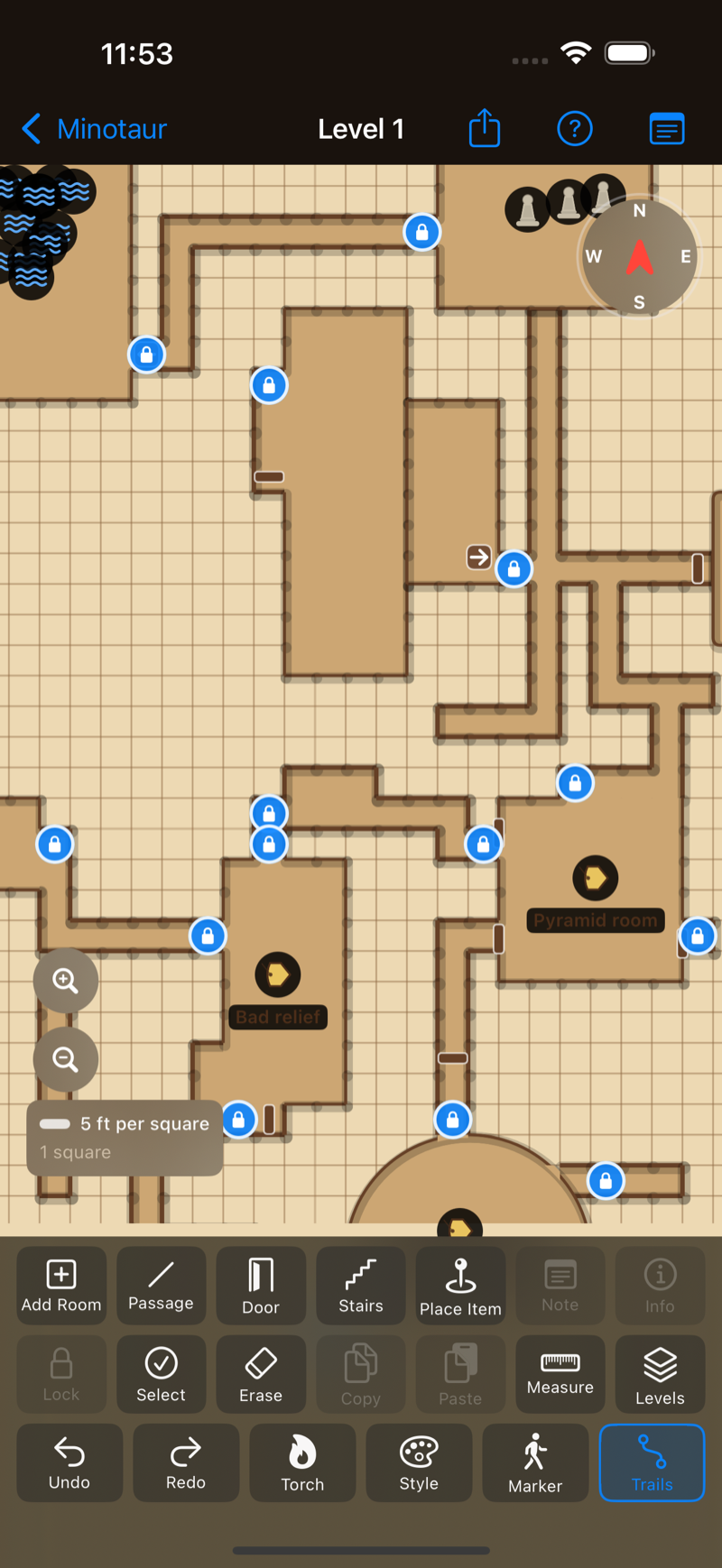
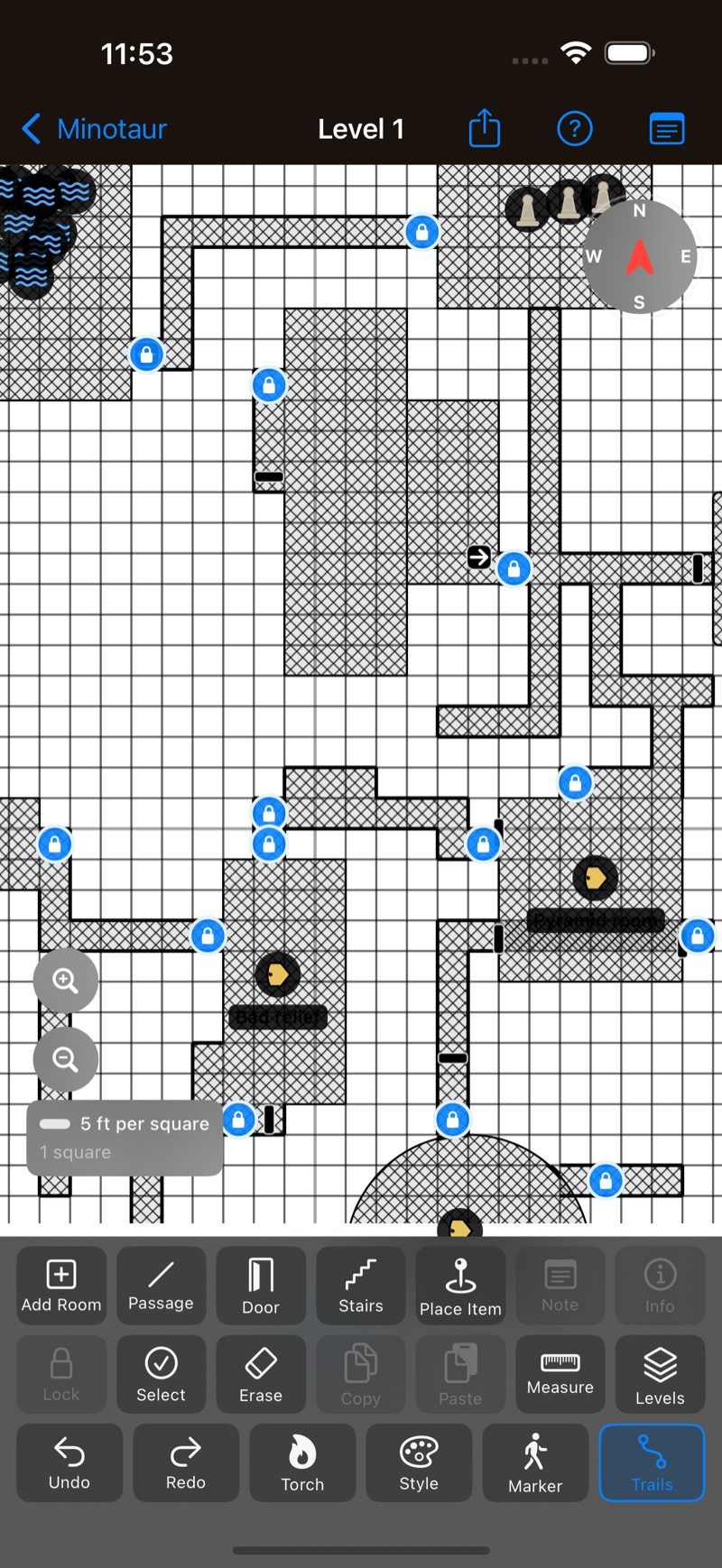
Five map styles
Classic dark, classic blue, parchment, cross hatch, and ink sketch — plus an
optional hand-drawn mode with adjustable roughness. Exports match the screen.
Undo everything
Every edit is undoable, including group moves and multi-element deletes. Shake to
undo when your hands are busy holding dice.
Works offline, always
No account, no sign-in, no network. Your maps live on your device and nowhere
else. Basements with bad reception are fine.